Specifying the Layout Filter
Description
When using the Report, Label and Letter layout editors, you can click the Select Records icon on the toolbar to specify the filter and order expression to select the records to be printed.

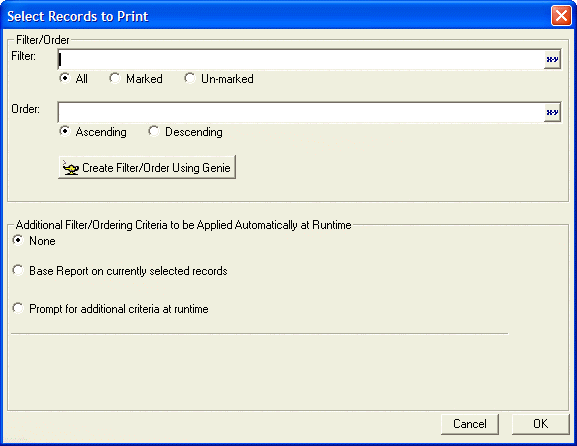
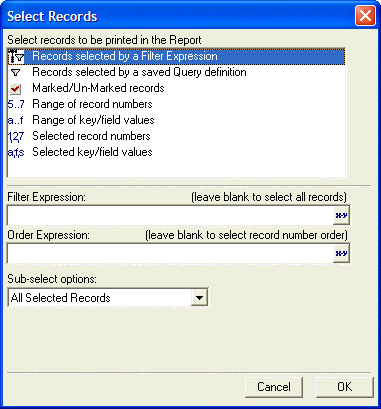
Clicking Create Filter/Order Using Genie displays the Select Records dialog that lets you define filters that select ranges of records, ranges of key values, prompt for parameters at run time, and such.
See Also