Defining a Font, Border, or Fill Color
Description
To select a color:
Click the 'up' icon to open the color list.

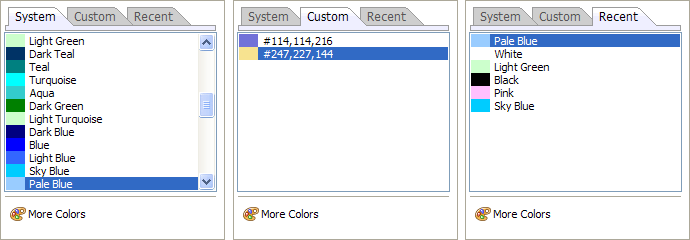
Select one of the three tabs that appear.
The System tab lists colors defined by Alpha Anywhere
The Custom tab lists colors that you have defined
The Recent tab lists colors that you have selected during this session
To define a custom color, click the following More Colors button to display the Color Picker dialog.

Select a color.
Limitations
Desktop applications only.