Xbasic
a5_json_viewer Function
Syntax
a5_json_viewer([json as C])
Arguments
- jsonCharacter
Defines a JSON string to populate the viewer when opened.
Description
The a5_json_viewer function can be used to open a viewer for JSON data.
Discussion
The a5_json_viewer function opens the Json Viewer dialog. The Json Viewer dialog can be used to explore the structure of a JSON object. When the a5_json_viewer function is called, you can optionally pass in a JSON object that will be displayed in the viewer. The JSON text will appear on the Code tab.
dim json as c =<<%json%
[
    {"firstname":"John","lastname":"Doe","Job Title":"Manager"},
    {"firstname":"Paul","lastname":"Smith","Job Title":"Employee"},
    {"firstname":"Sally","lastname":"Peterson","Job Title":"Supervisor"},
    {"firstname":"Tabitha","lastname":"Anderson","Job Title":"CEO"}
]
%json%

a5_json_viewer(json)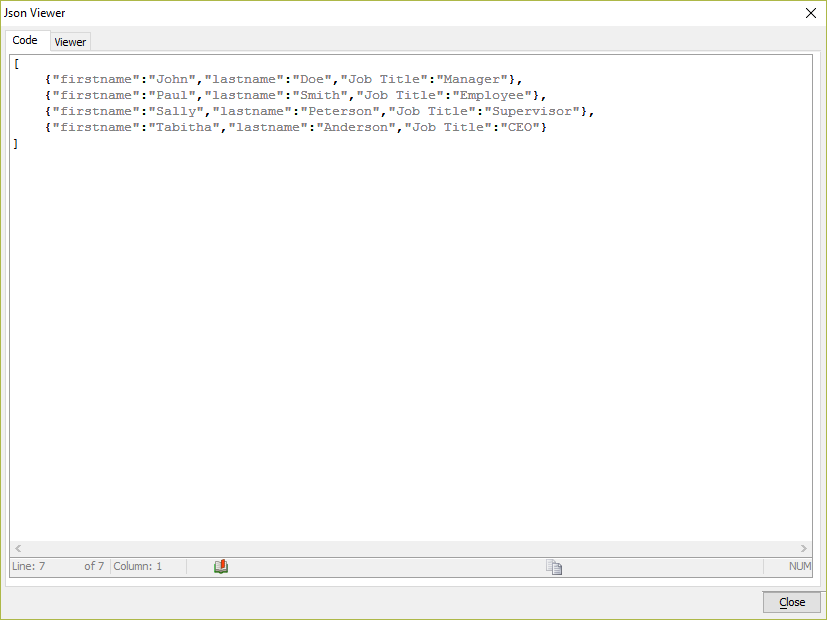
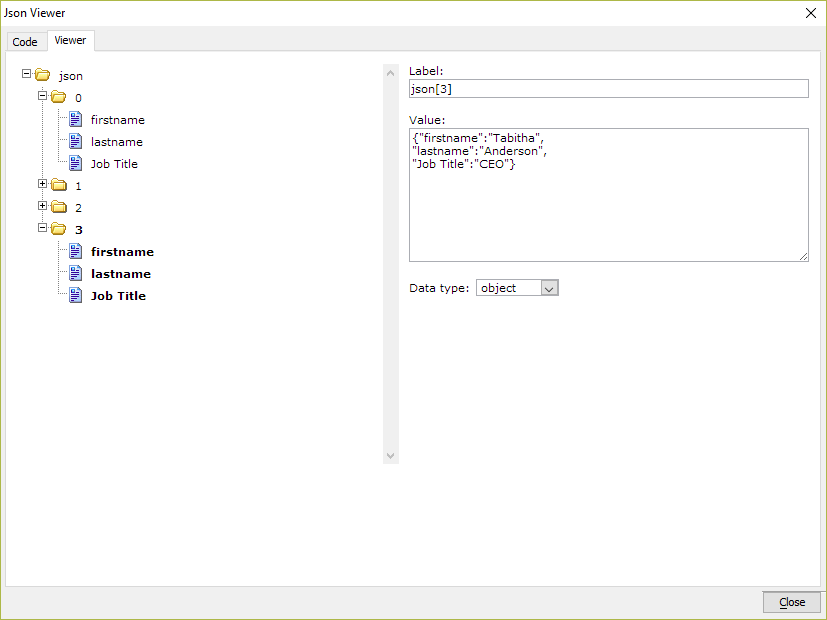
The Viewer tab displays the JSON structure defined on the Code tab as a tree control on the left. As nodes in the tree are selected, information about the node is displayed on the right.
See Also